


Rave APK
Rave Inc.
- Version
- 9.0.51
- Size
- 324.1 MB
- Android
- 6.0+
- Category
- Entertainment
Screenshots
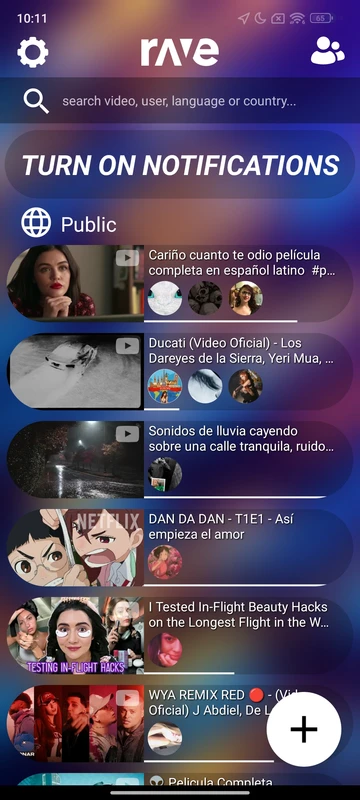
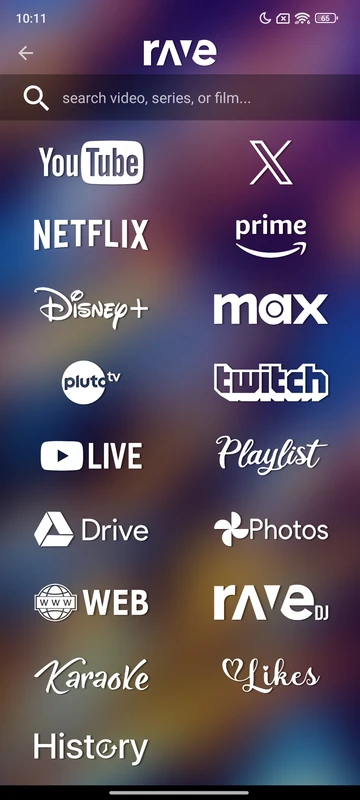
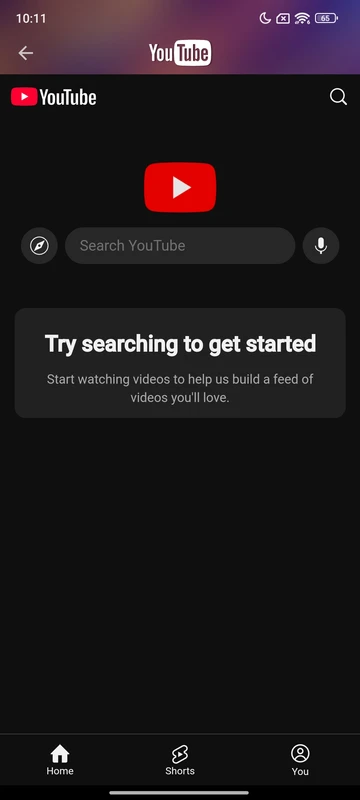
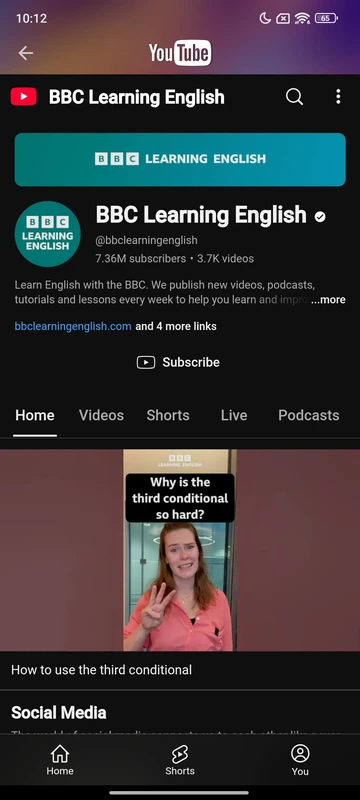
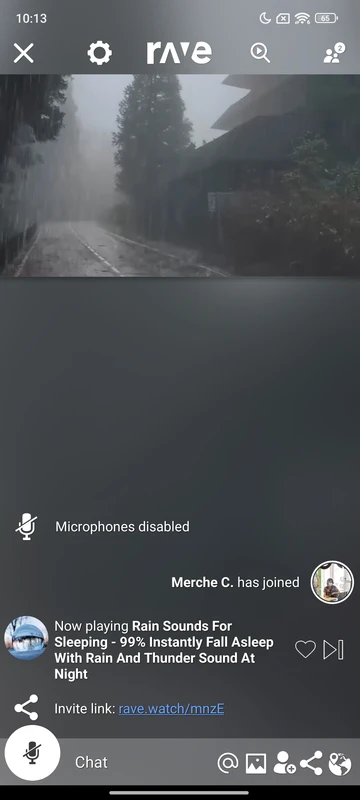
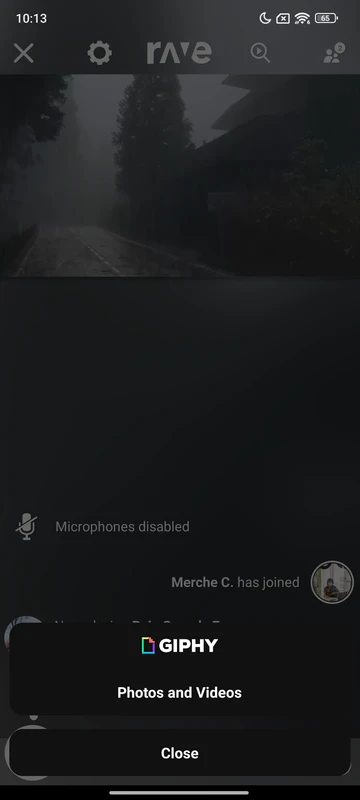
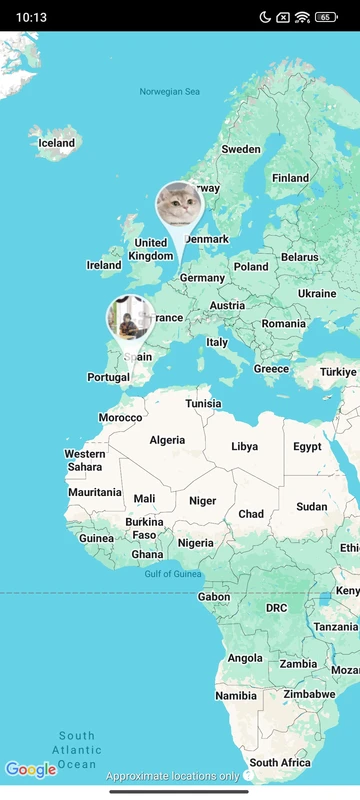
What's new
Version 9.0.51 is the newest build on APKBlade, updated 3 October 2026.
Rave APK lets you enjoy movies and shows with friends, turning any night into a fun virtual watch party!
What is Rave APK for Android?
Imagine watching your favorite movies or TV shows with your friends, even if they are miles away. That’s what Rave APK for Android lets you do! It’s like having a movie theater in your pocket where you can invite your friends to join you.
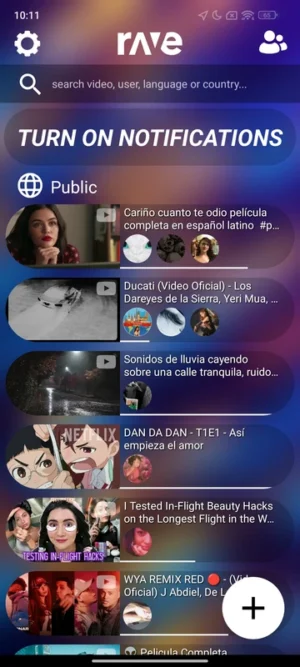
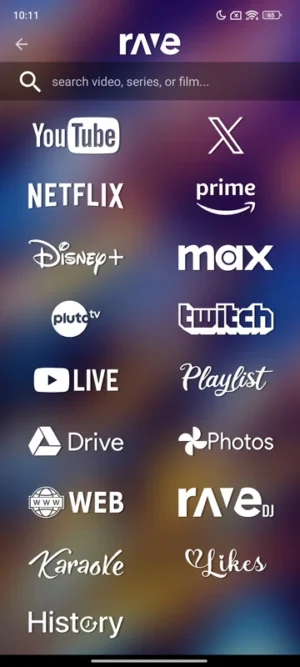
With Rave, you can watch videos from Netflix, Disney+, YouTube, and more, all while chatting with your friends. It’s super fun because you can laugh, comment, and enjoy the show together, just like you would if you were sitting next to each other.
How Does Rave APK Work?
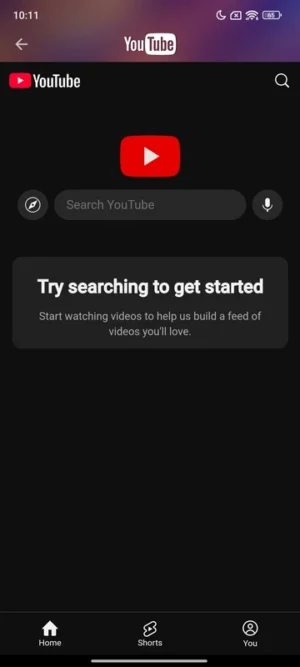
Rave APK is like a magic app that lets you share your screen with others. Once you download and install the app, you can choose a video from services like Netflix or YouTube. Then, you create a “watch party” and invite your friends to join.
They can see exactly what you’re watching in real-time! Plus, you can chat with them using text or voice messages. It’s like having a group call, but with a movie playing at the same time. This makes watching movies a lot more interactive and fun!
Features of Rave APK
Rave APK is packed with cool features that make watching videos with friends super easy and enjoyable. Here are some of the awesome things you can do with Rave:
- Watch Together: Stream movies and shows from Netflix, Disney+, YouTube, and more with friends.
- Chat While Watching: Use text or voice chat to talk with your friends while you watch.
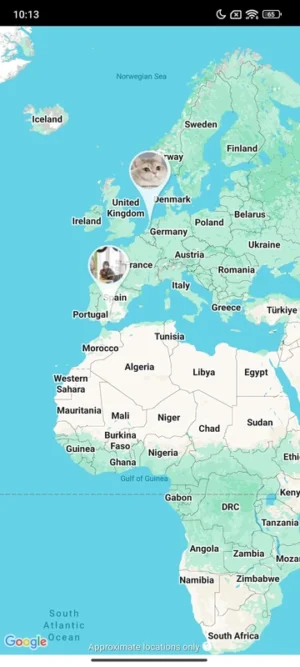
- Create Watch Parties: Start a watch party and invite friends to join you from anywhere in the world.
- Sync Playback: Everyone sees the video at the same time, so no one is left behind.
- Free to Use: Enjoy all these features without paying a single penny!
How to Download and Install Rave APK
Downloading and installing Rave APK on your Android device is as easy as pie. Follow these simple steps to get started:
- Download the APK: Click the download button at the top to get the latest version of Rave APK.
- Enable Unknown Sources: Go to your phone’s settings, find the security section, and enable “Unknown Sources.” This allows you to install apps from sources other than the Google Play Store.
- Install the APK: Open the downloaded file and tap “Install.” Wait for the installation to complete.
- Open Rave: Once installed, open the Rave app and sign up or log in.
- Start Watching: Choose a video and invite your friends to join the fun!
Why Use Rave APK?
Rave APK is perfect for anyone who loves watching videos with friends but can’t be in the same room. Whether you’re away at college, living in a different city, or just want to hang out with friends online, Rave brings you together. It makes movie nights possible, even when you’re apart. Plus, it’s a great way to stay connected and share experiences with loved ones.
Tips for an Awesome Rave Experience
To make the most out of your Rave watch parties, here are some tips:
- Stable Internet Connection: Make sure you have a good internet connection to avoid buffering.
- Use Headphones: For better sound quality, use headphones during voice chats.
- Plan Ahead: Decide on a movie or show beforehand to save time.
- Invite Friends Early: Send invites early so everyone can join on time.
- Have Snacks Ready: Just like a real movie night, have your favorite snacks ready to munch on!
Conclusion
Rave APK for Android is a fantastic app that makes watching videos with friends super fun and easy. With its user-friendly interface and amazing features, you can enjoy movies, shows, and videos with friends no matter where they are. So, why wait? Download Rave APK now and start your ultimate watch party experience!
More About Rave
| Name | Rave |
|---|---|
| Package Name | com.wemesh.android |
| Category | Entertainment |
| Version | 9.0.51 |
| Size | 324.1 MB |
| Requires Android | 6.0 and up |
| Developer | Rave Inc. |
| Last Updated | 3 October 2026 |
How to Install Rave
- Tap the download button and let the file finish.
- Open the file from your notifications or the Downloads folder.
- If Android asks, allow your browser to install unknown apps.
- Tap Install, then open the app.
FAQ'S
How to install Rave on android phone?
Once you've downloaded the APK file, click on the downloaded file, then hit the "Install" button.
I am getting Play Protect warning while installing!
Some mod APK files might get a warning. You can ignore this warning and install the APK file. Follow these simple steps to turn off Play Protect: Open Google Play app > Click Profile Icon > Select Play Protect -> Setting > Turn off both "Scan apps with Play Protect" and "Improve harmful app detection" options.
How to update APK without losing the data?
To update APK without losing the data, you don't need to follow anything extra. Click on the downloaded APK file and click the "Install" button. The app will update automatically without loss of data.
How to fix problems while installing/opening?
Make sure you have downloaded the file correctly. The downloaded file extension must end with .apk file. If you face any package install error, redownloading the file may fix the issue.


















Ratings and reviews
There are no reviews yet. Be the first one to write one.